Create personalised wedding invitations online, with eight matching stationery collections inside the Ivory Wedding Planner. Choose your style and colours, add your details, then download digital designs to share or print.
Eight collections included at no extra cost with planner access. Start a 14-day free trial. If you continue, the introductory planner price is £25 once, with no automatic paid subscription. Included access is available with Weddings By Mark all-day wedding packages.
Eight included collections · Sample names and wedding details
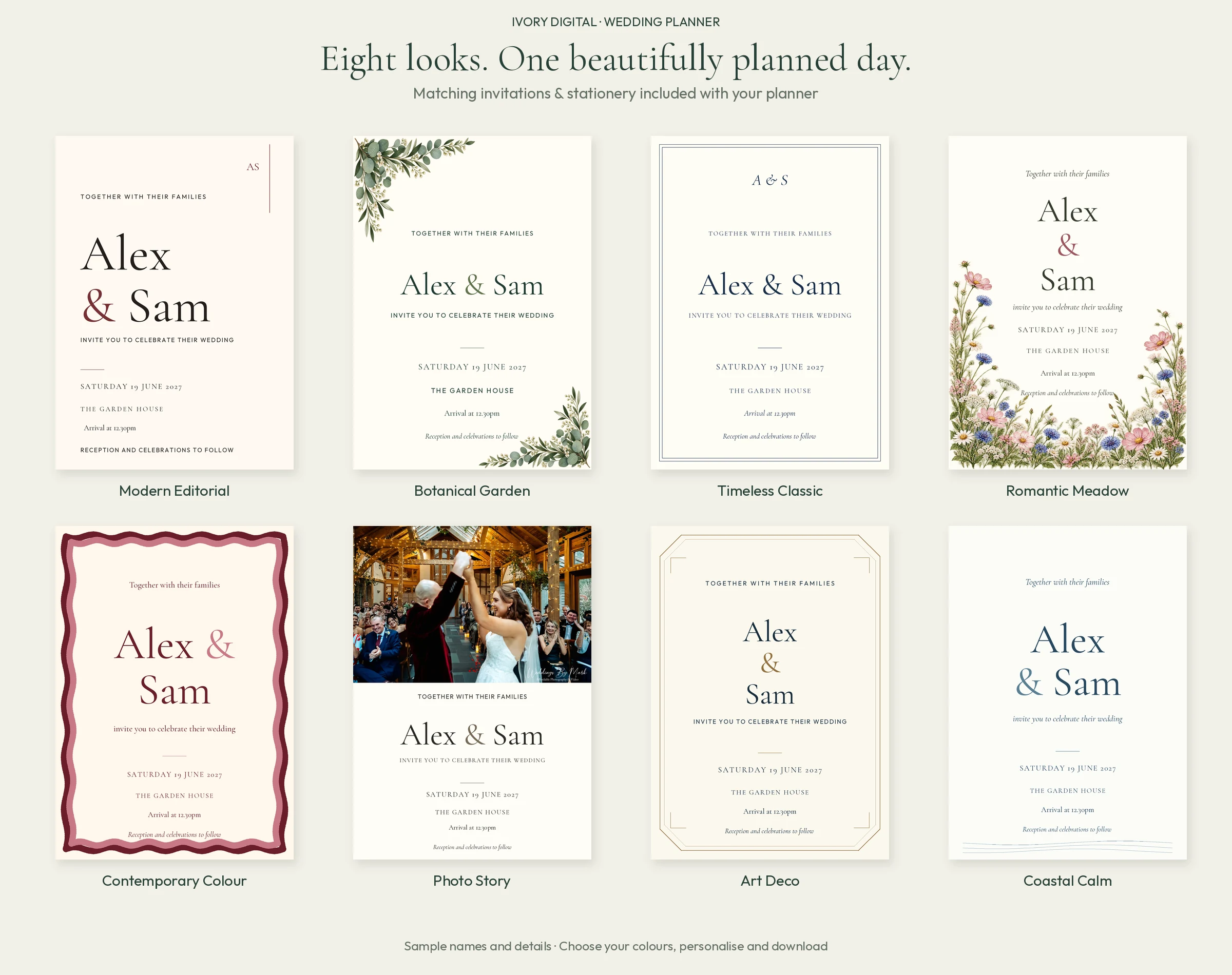
Eight wedding invitation designs. A matching set for each.
Explore modern, botanical, classic, floral, colourful, photo, Art Deco and coastal-inspired wedding invitation templates. Each collection has three colour palettes in the app. These previews show one palette per collection. Tap an invitation or matching set to see the detail.
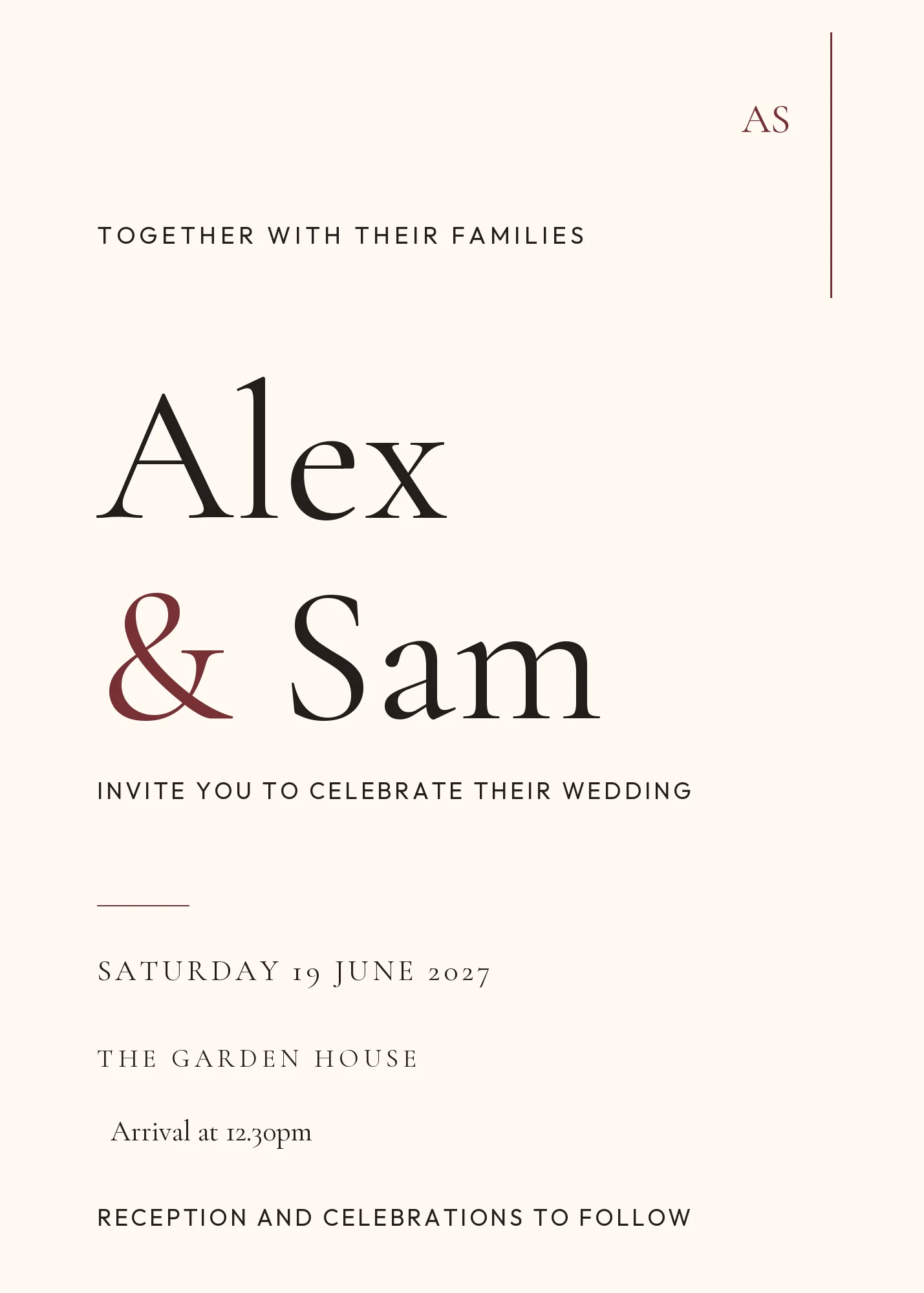
Modern Editorial
Confident typography, generous space and a contemporary editorial feel. A clean choice when you want the names and wedding details to take centre stage.
Matching stationery set · Tap to enlarge
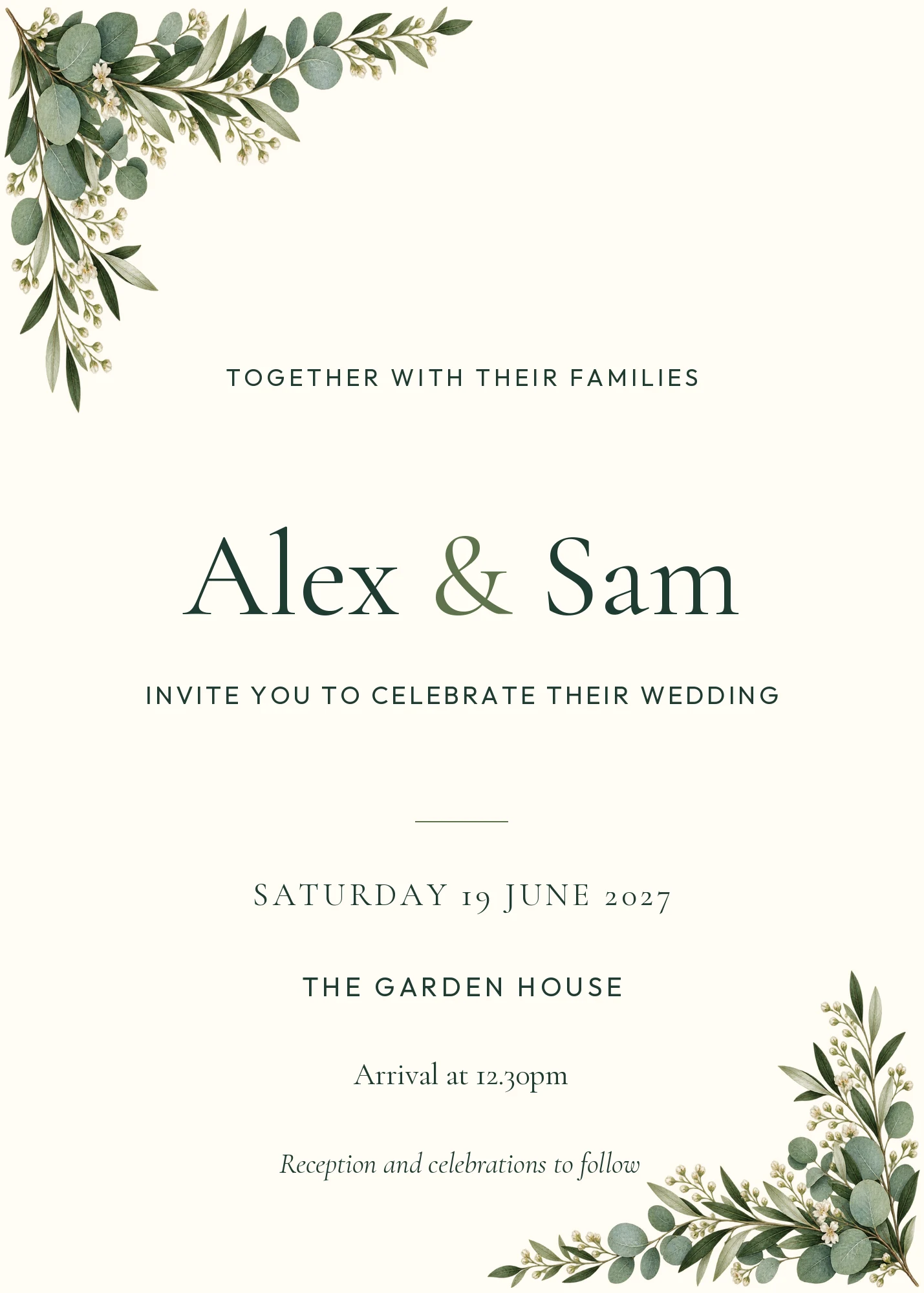
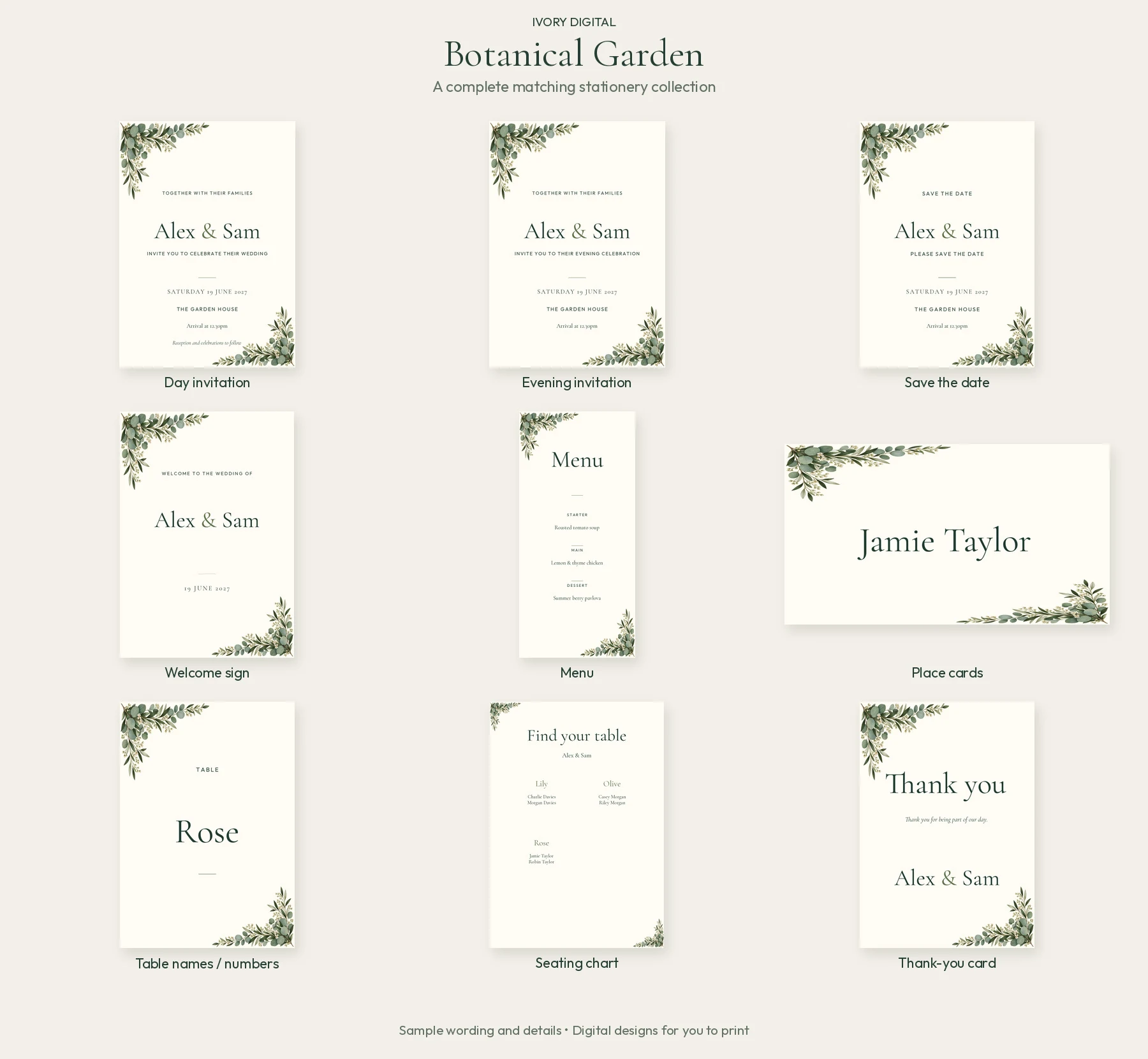
Botanical Garden
Leafy botanical details for a garden-inspired celebration. Carry the greenery through your invitations, welcome sign and table stationery.
Matching stationery set · Tap to enlarge
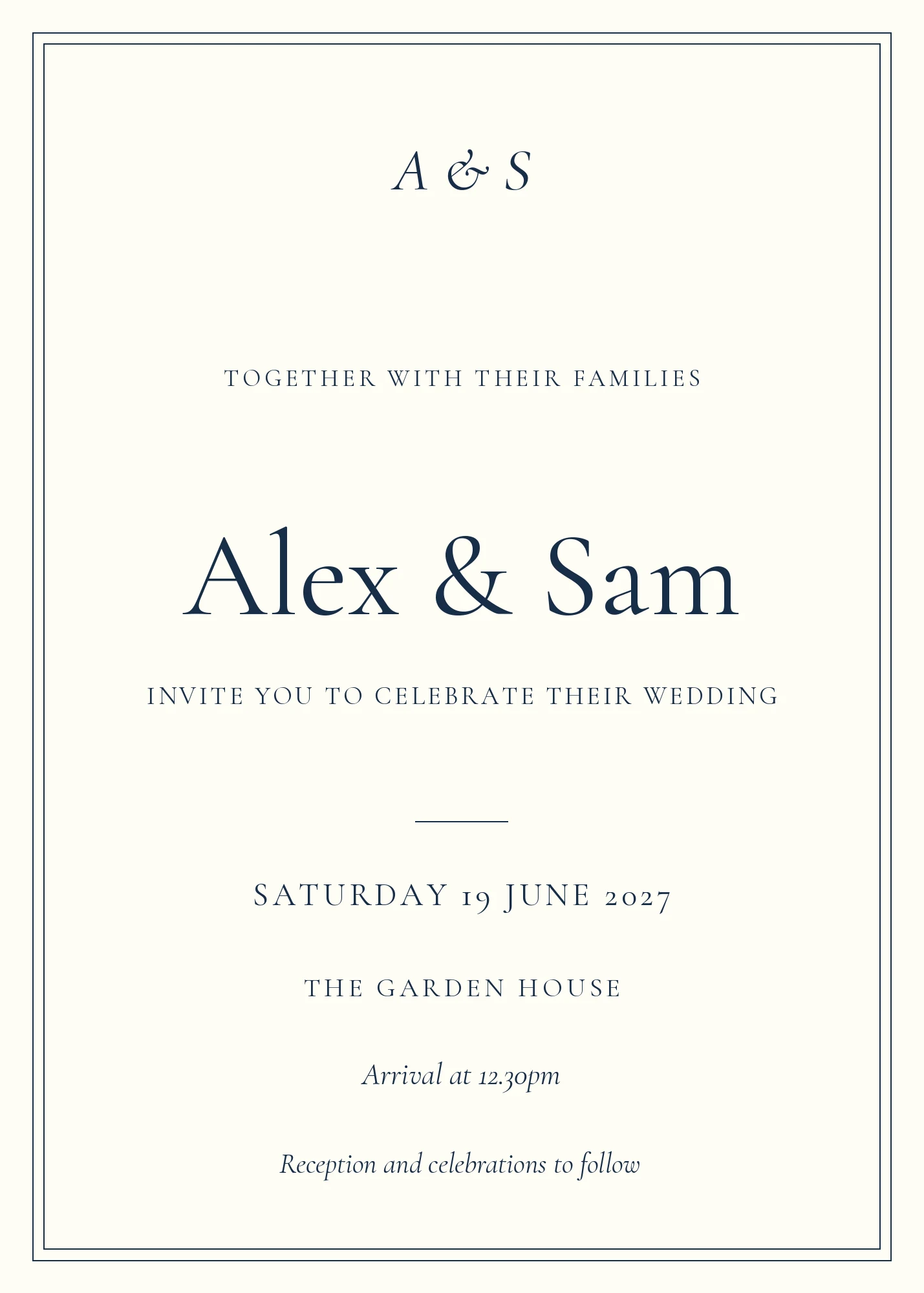
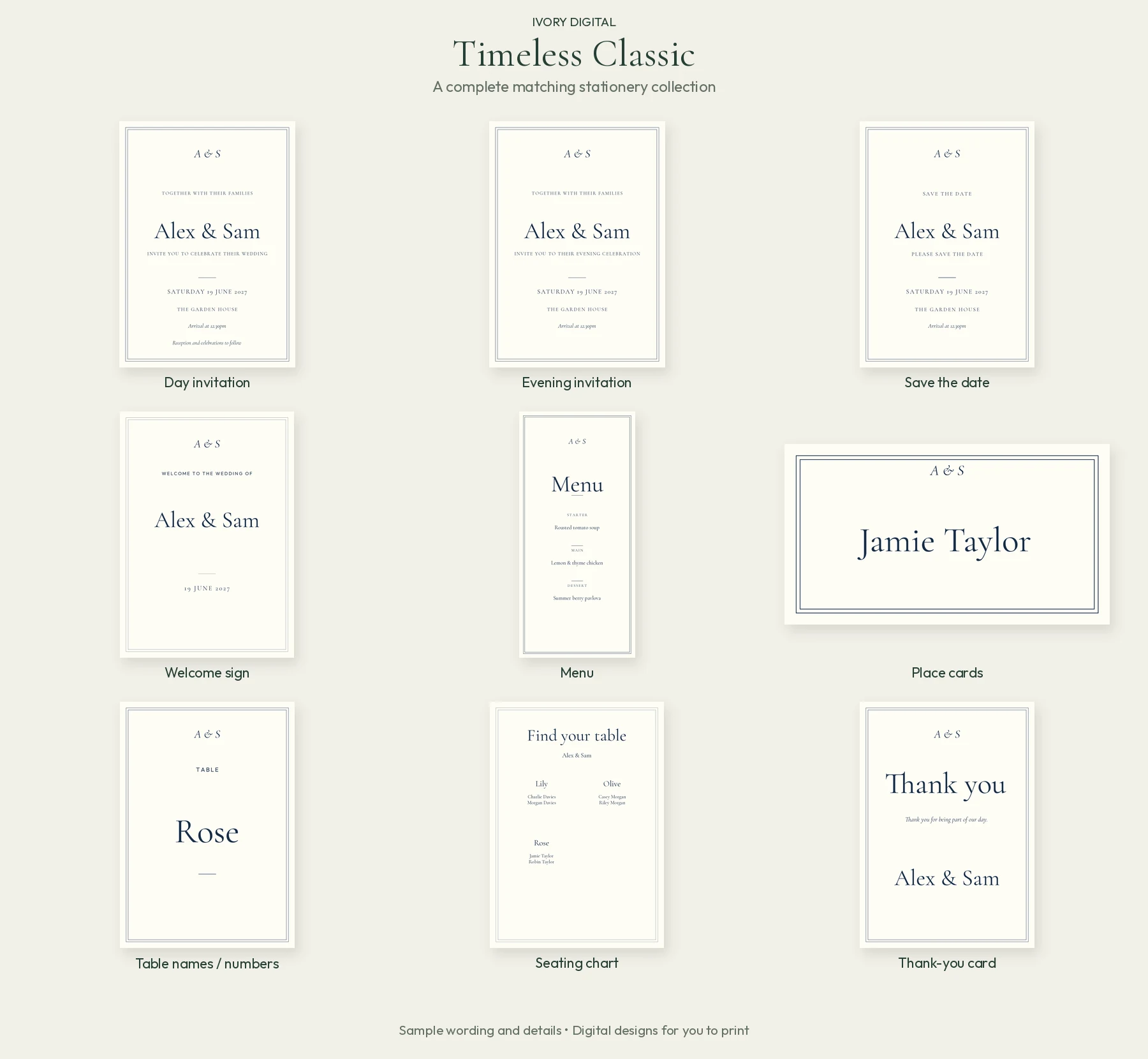
Timeless Classic
A fine frame and traditional typography give this collection a formal, understated finish. Elegant stationery that keeps the information easy to read.
Matching stationery set · Tap to enlarge
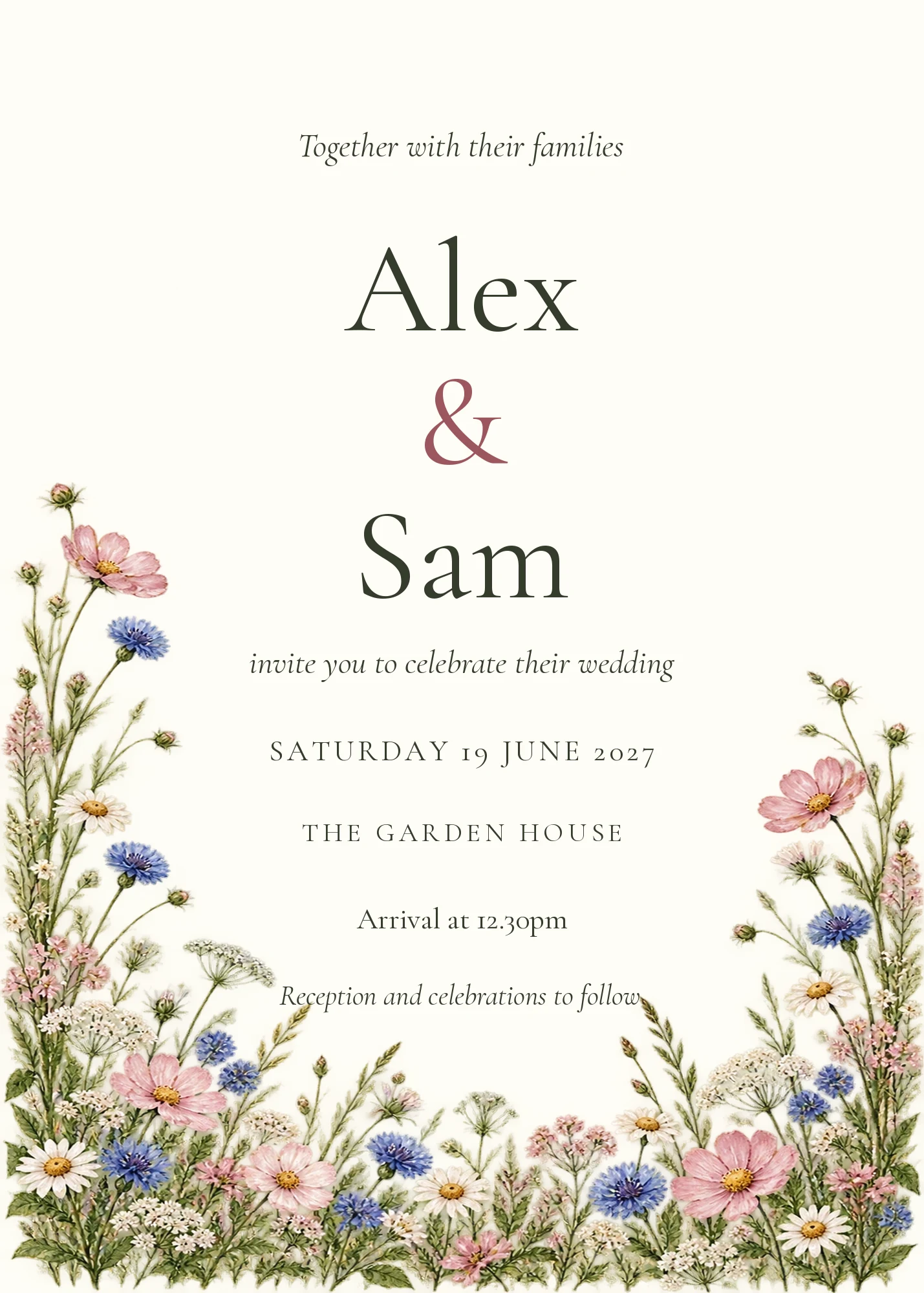
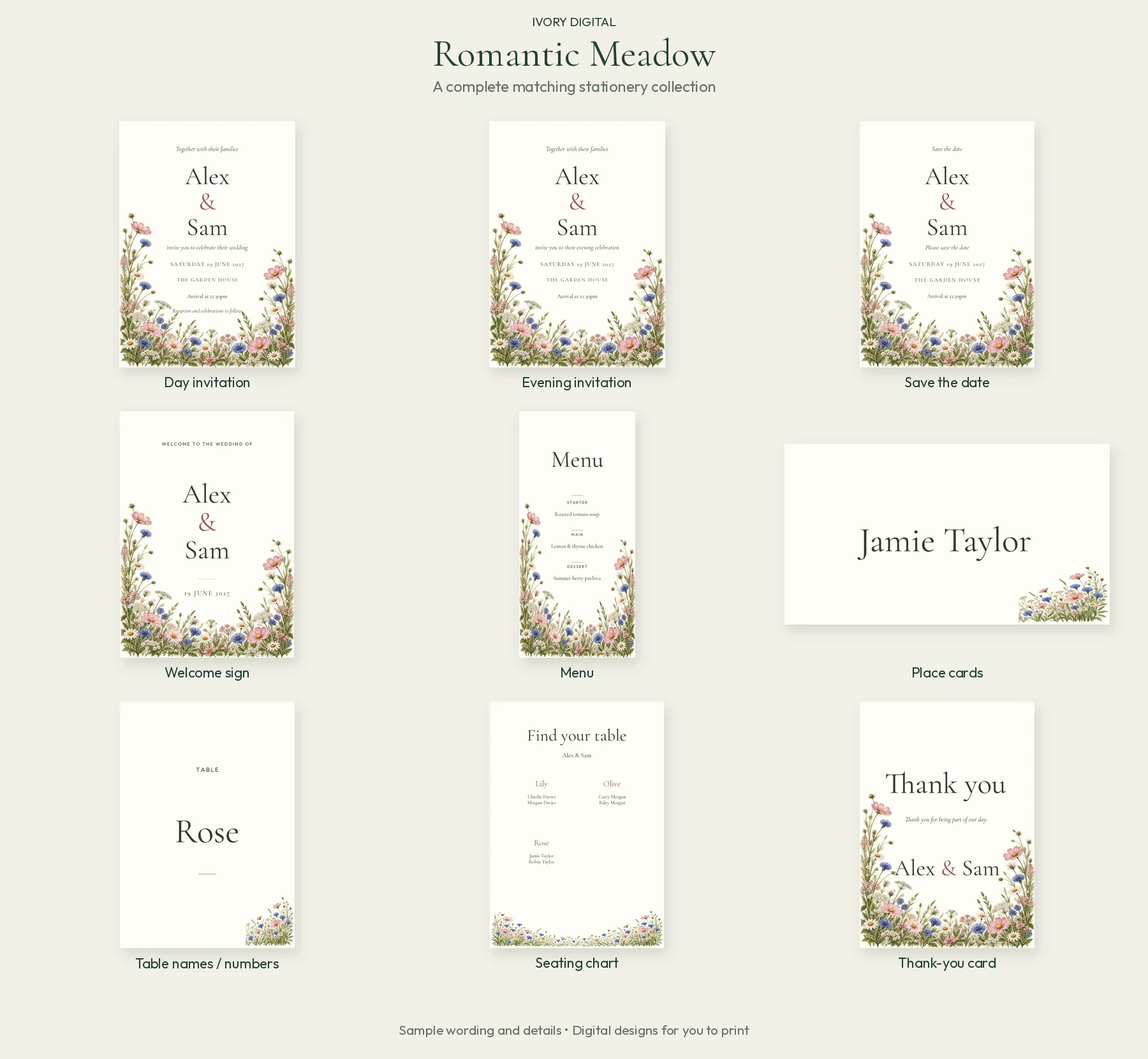
Romantic Meadow
Soft wildflowers create a romantic, relaxed feel. A colourful floral option for couples drawn to meadow details and a gentle countryside style.
Matching stationery set · Tap to enlarge
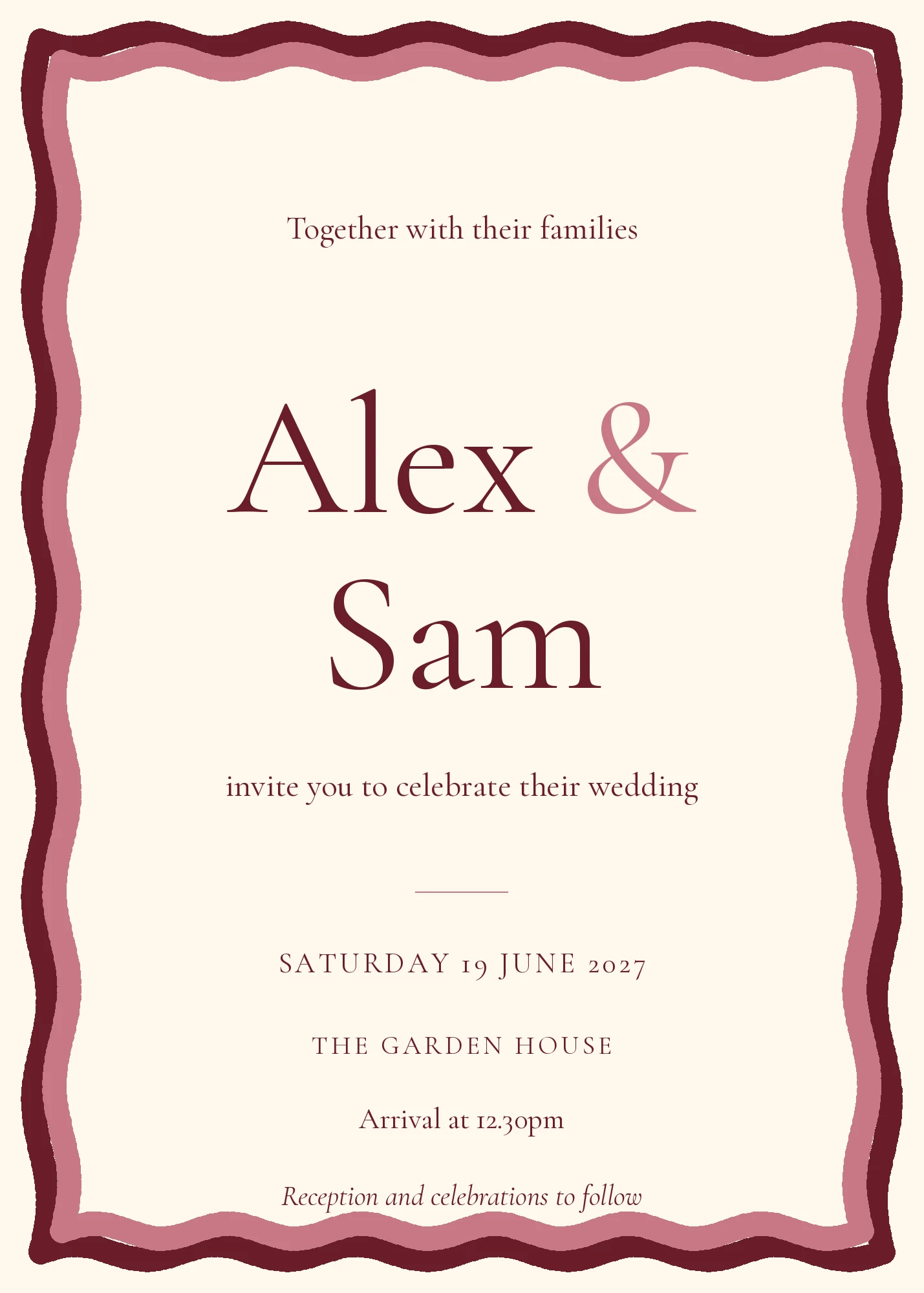
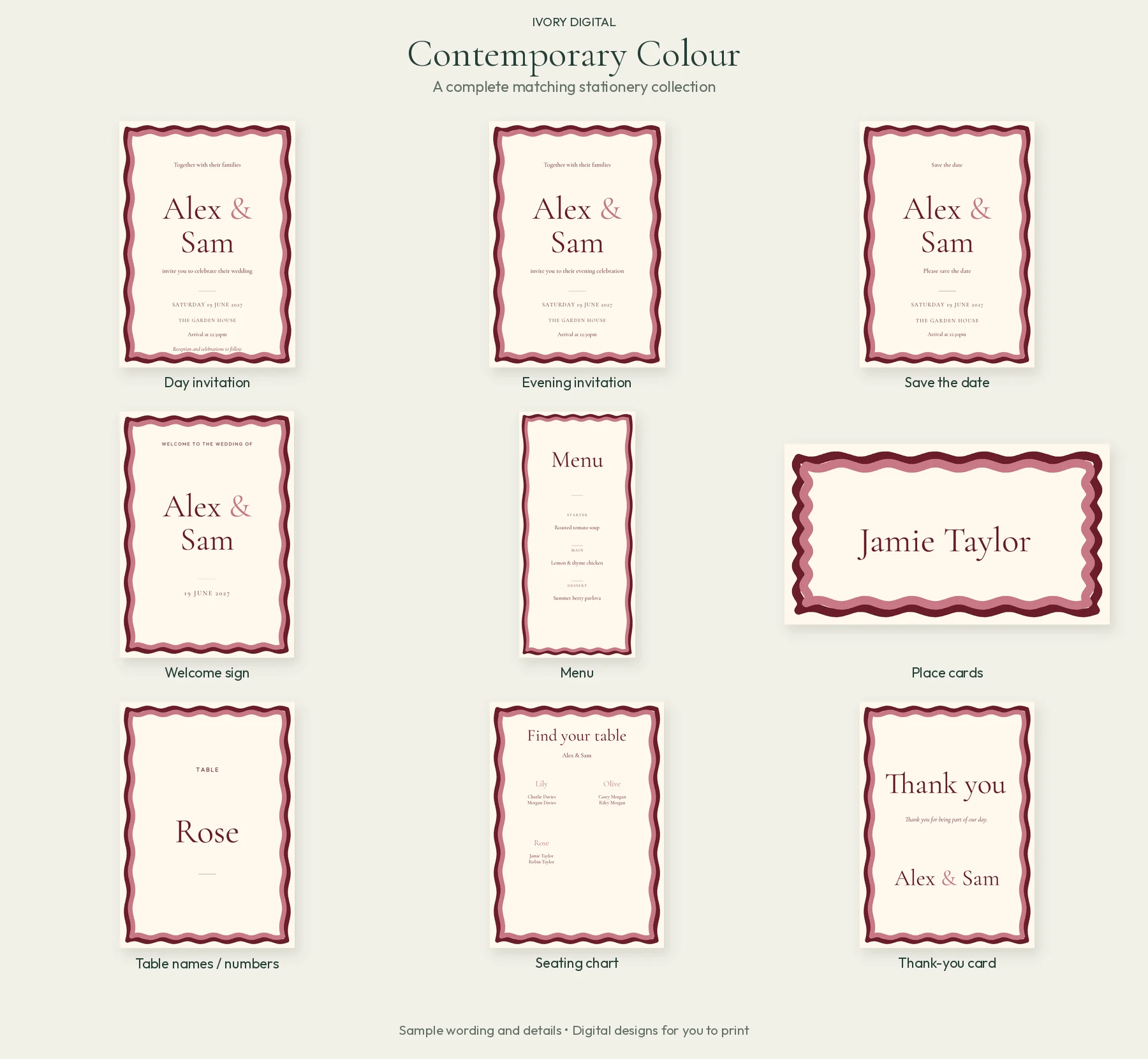
Contemporary Colour
A playful wavy frame and expressive colour bring personality to the page. A lively, modern choice for your complete stationery set.
Matching stationery set · Tap to enlarge
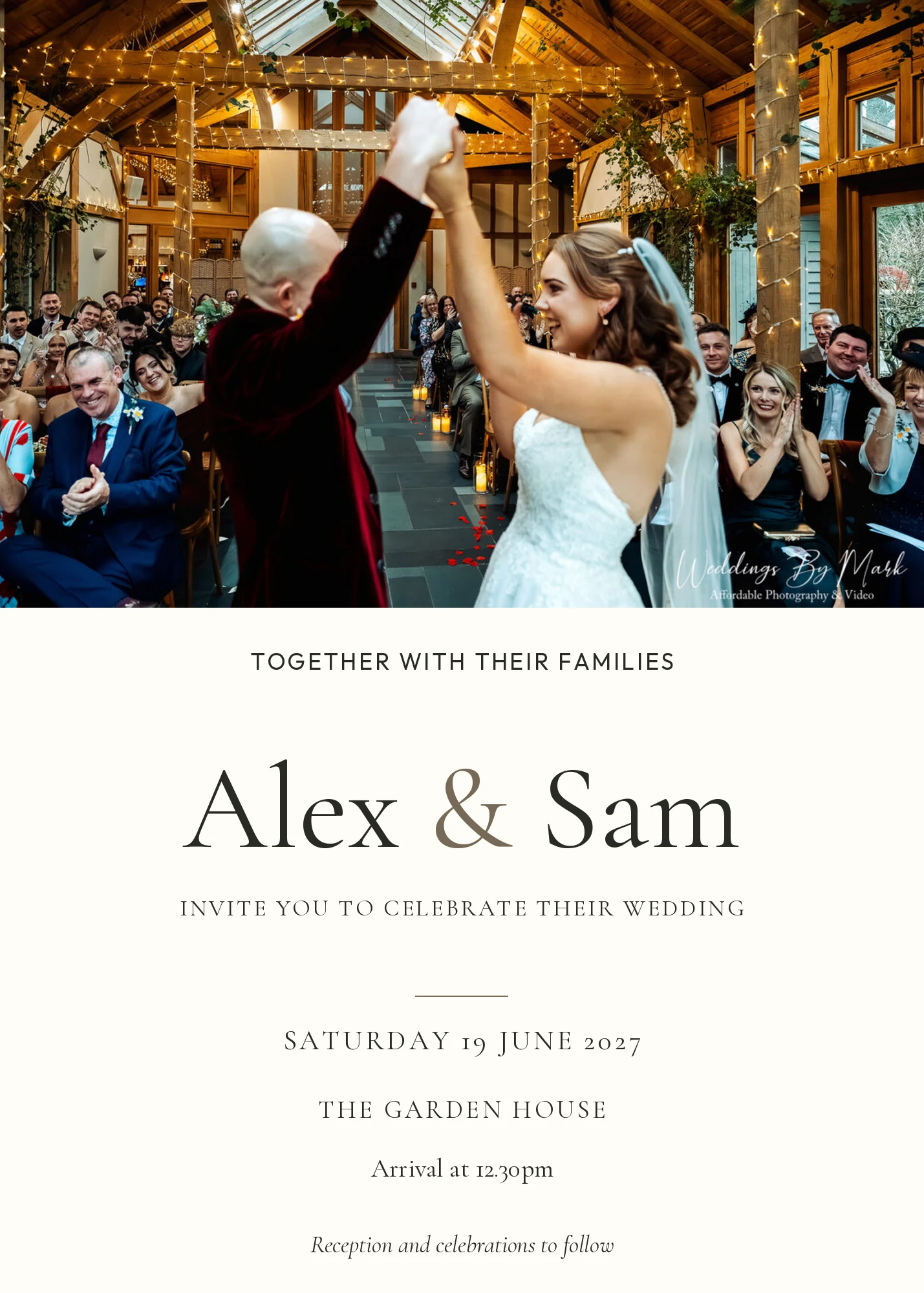
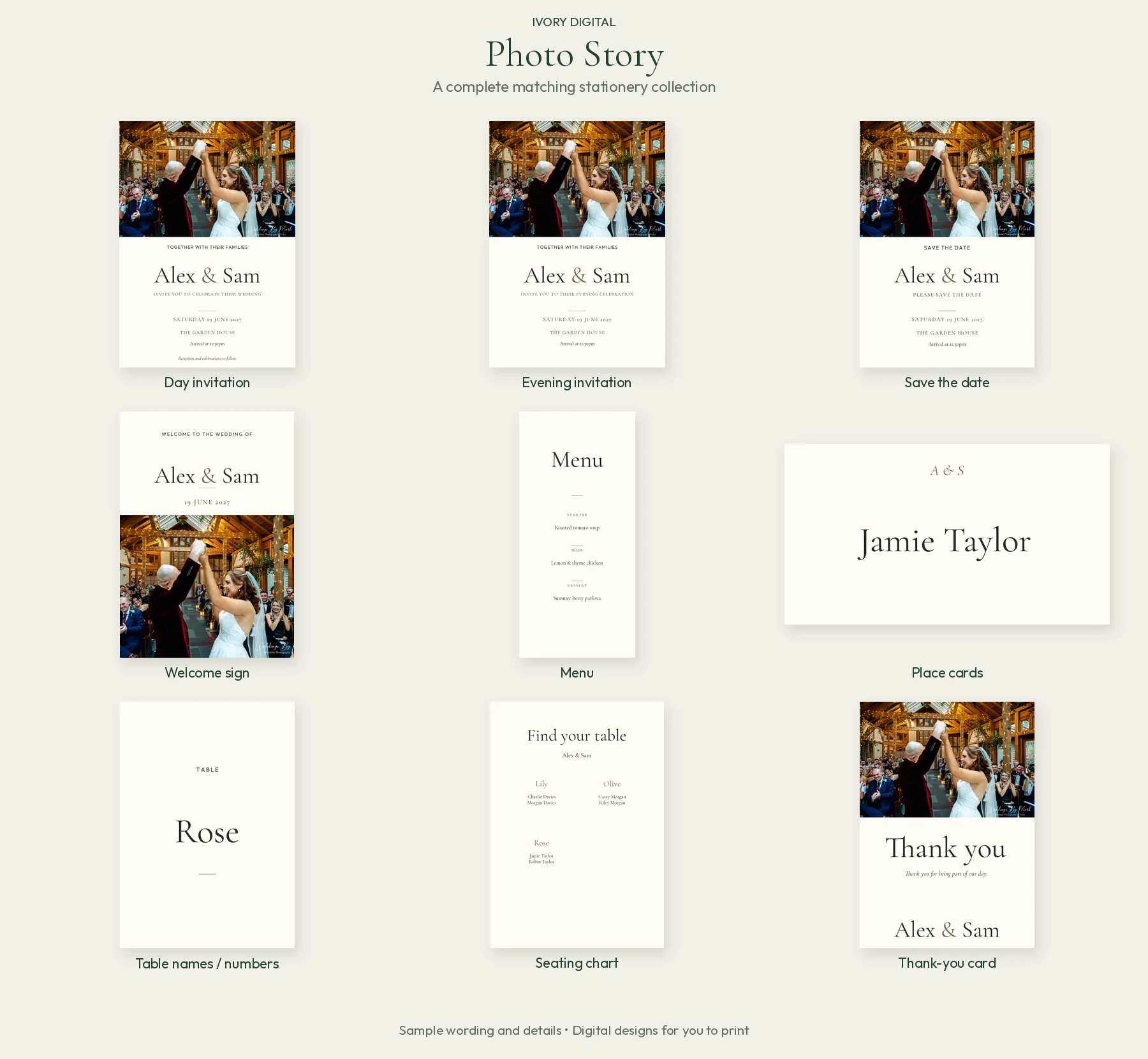
Photo Story
Put your own photograph at the heart of the design. Upload a favourite image, then drag, position and zoom it to get the framing right.
Matching stationery set · Tap to enlarge
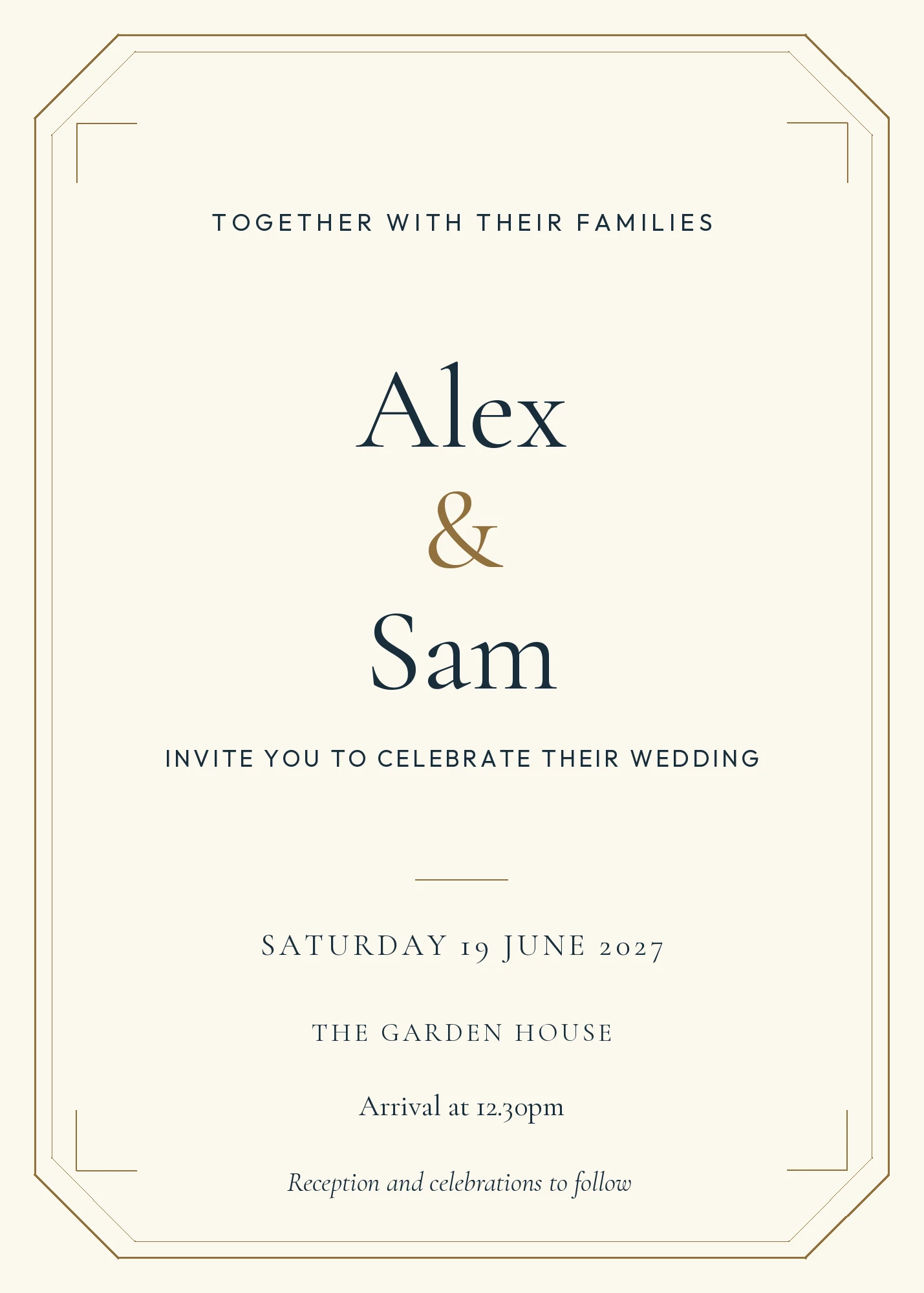
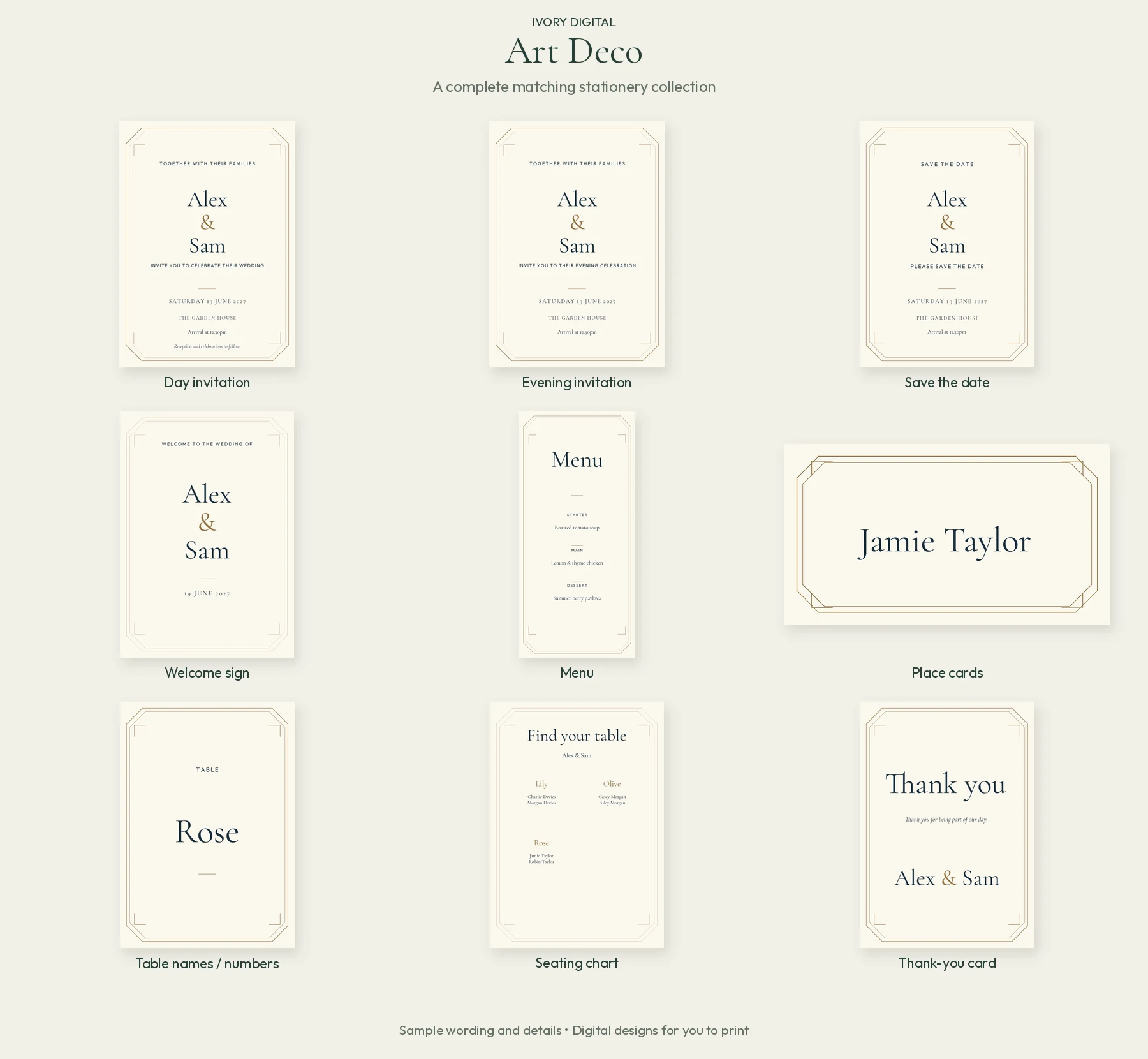
Art Deco
Geometric lines and an elegant border create an Art Deco-inspired finish. A structured look for couples who enjoy a little vintage glamour.
Matching stationery set · Tap to enlarge
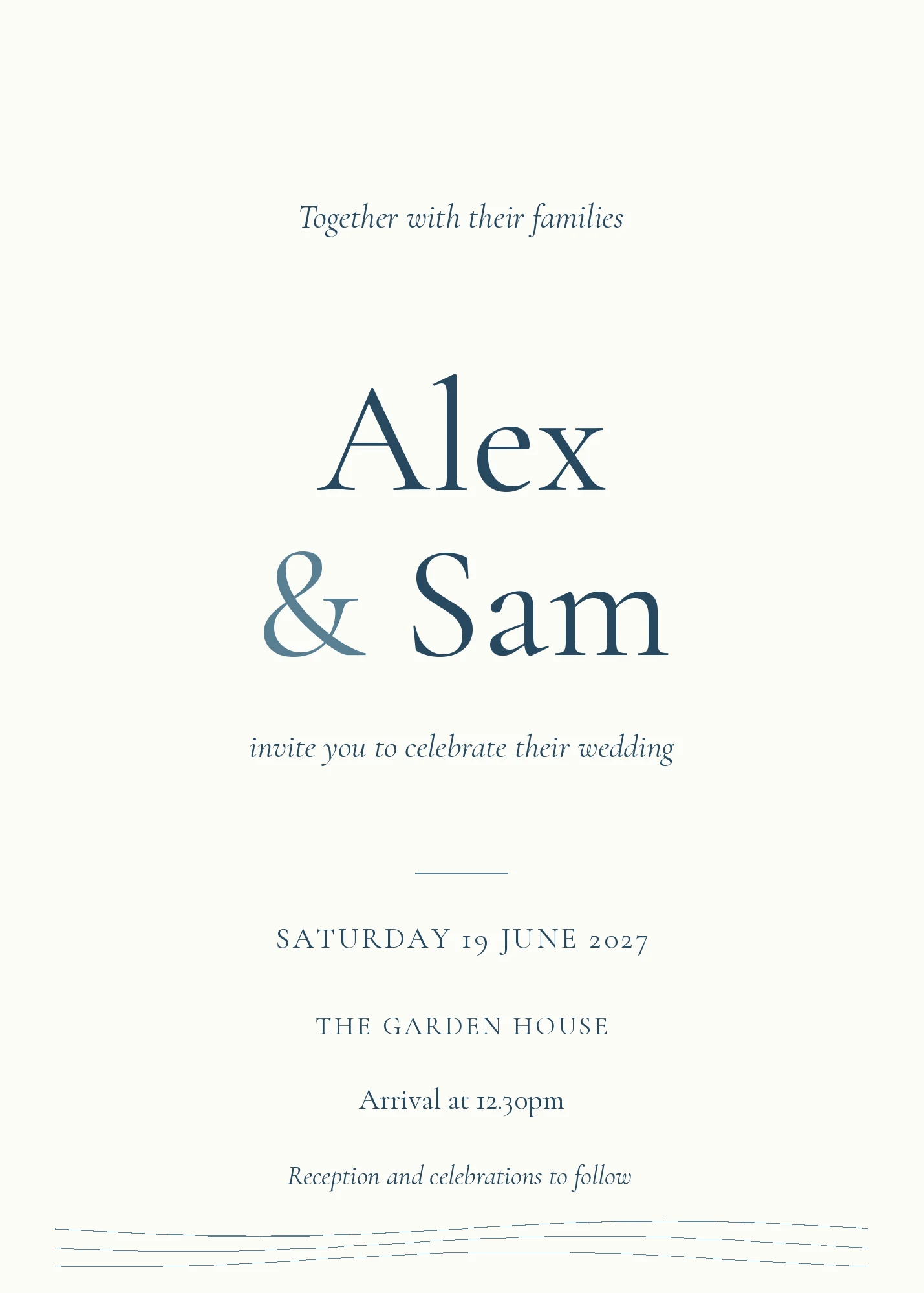
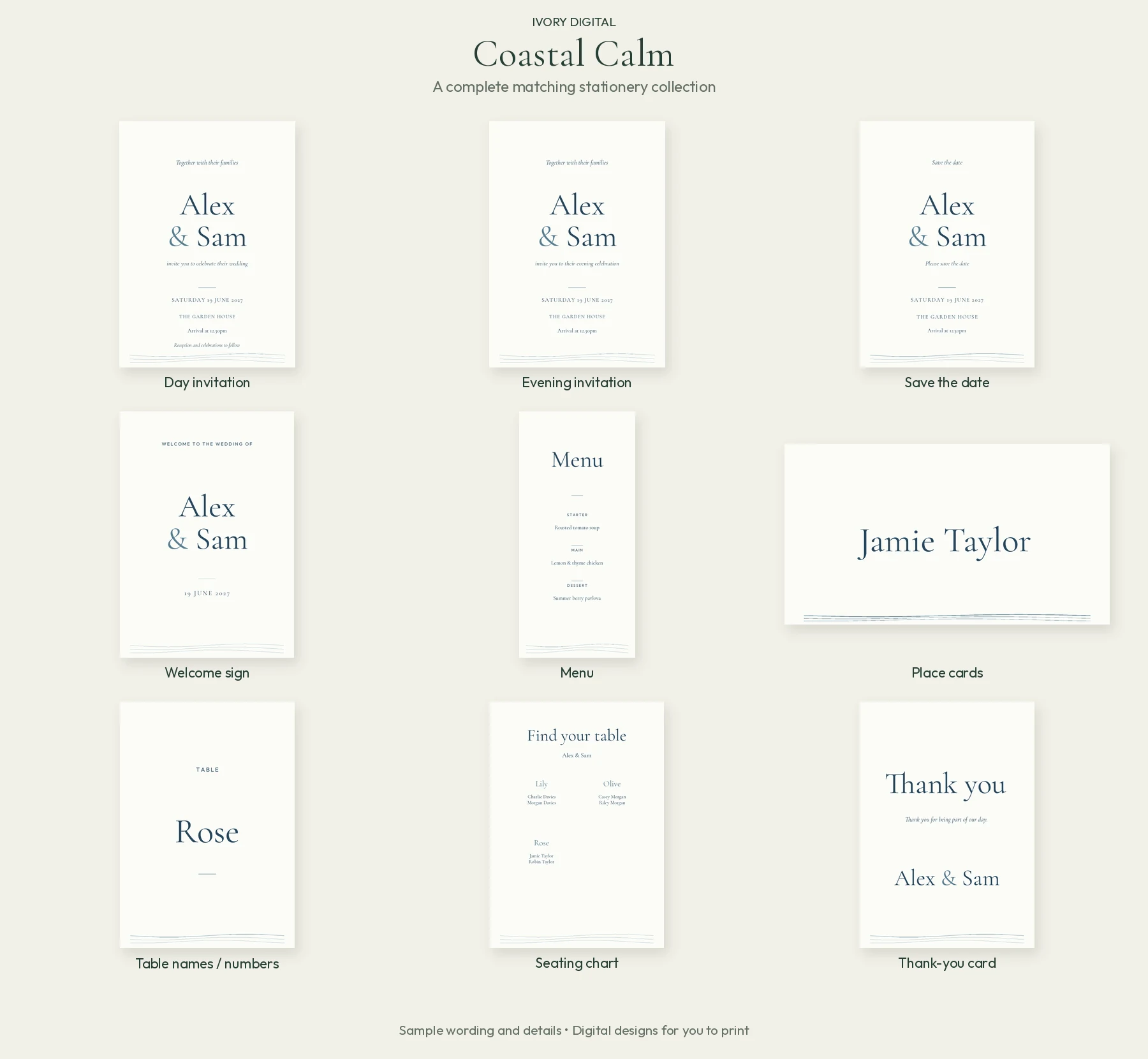
Coastal Calm
Soft flowing lines and calm colours give the collection an airy feel. A pared-back option for a coastal-inspired wedding or understated celebration.
Matching stationery set · Tap to enlarge
All names, dates and guest information shown are fictional examples. The Photo Story photograph is Mark’s own wedding image; the sample names do not identify the photographed couple. Set previews show the designs, not their relative printed sizes.
Matching wedding stationery, from the first invite to the final thank you.
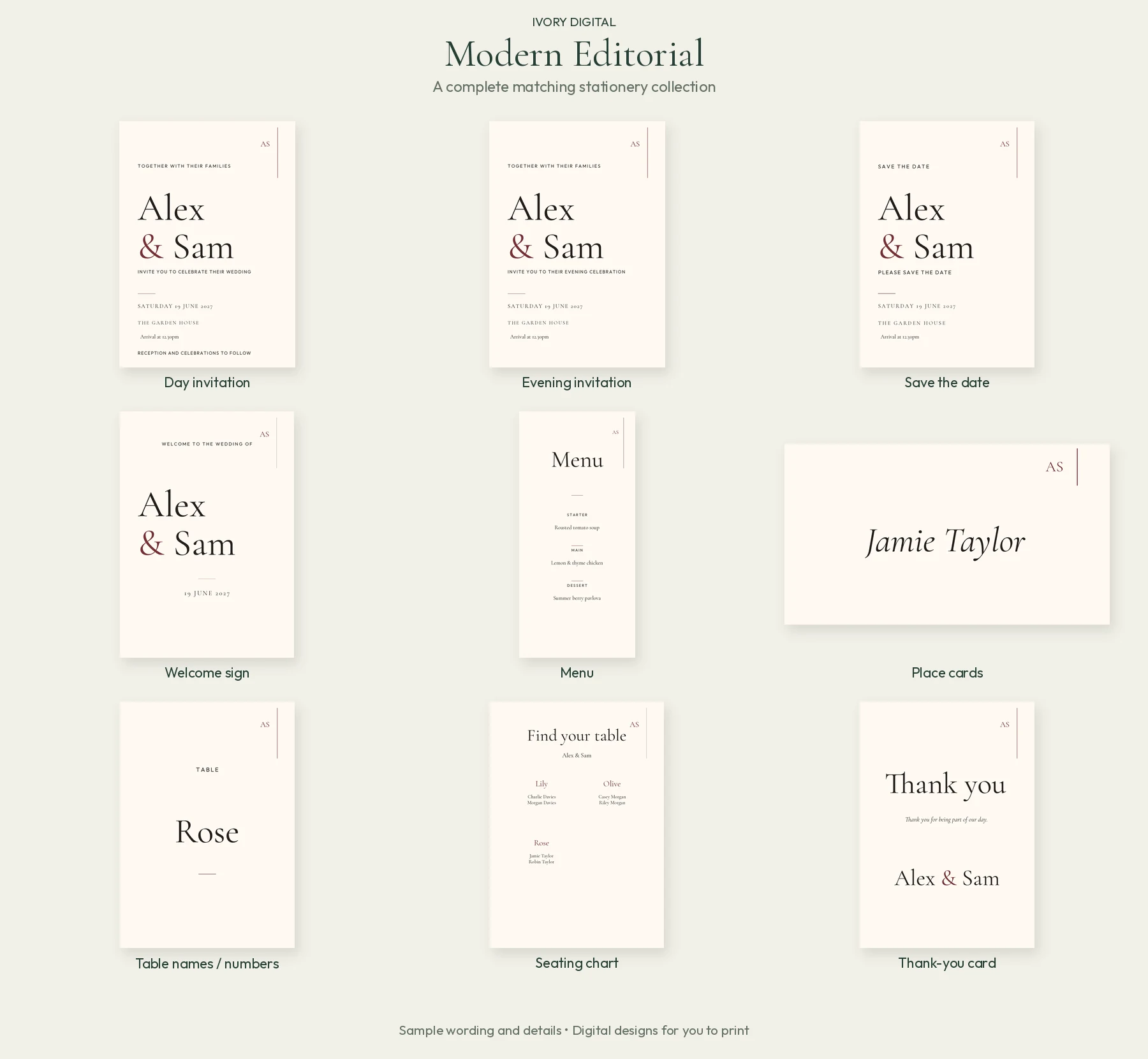
Your invitations introduce the look of your wedding. A matching collection helps the rest of the day feel considered too, without starting every item from scratch. Each included collection covers nine stationery items:
Before the day
Save-the-dates: share your confirmed date.
Day invitations: give the ceremony and celebration details.
Evening invitations: make the evening arrival time clear.
At your wedding
Welcome signs to greet guests.
Menus to present the meal.
Place cards for guest names.
Table names or numbers to guide guests.
Seating charts showing the table arrangements.
After the celebration
Thank-you cards: finish with a design from the same collection.
Check your wording, guest details and table arrangements as plans develop. Preview each personalised item before downloading.
How to make your wedding invitations online.
You do not need to begin with a blank design. Start with an included collection and work through the details at your own pace.
1. Choose your collection
Pick a design and one of its three colour palettes. Think about the look you want across the complete set, from invitations to your table stationery.
2. Make it yours
Personalise the names, date, venue and wording. For Photo Story, upload a photograph you have permission to use, then adjust its position and zoom.
3. Preview and download
Check the wording and layout. Download your personalised PDF for printing or an available invitation image for sharing. You arrange any physical printing.
The Photo Story collection gives your favourite photograph a place in your wedding stationery. Use an engagement photograph, a portrait or another image that feels like the two of you.
Upload the image, then drag, position and zoom it until the crop works for the invitation. Preview before saving and downloading. A clear, good-quality original gives you more room to adjust the framing.
The 31-second demonstration shows photo upload, positioning and invitation downloads using sample wedding details. The eight-collection showcase above includes the newer designs.
Digital wedding invitations and printable PDF downloads.
Choose the format that suits the way you want to invite people. A digital invitation image can be shared online; a print-ready PDF gives you a file to take to your chosen printer. These are personalised digital designs. Printing, paper, envelopes and postage are arranged separately by you.
For digital sharing
Use the invitation image download when you want to send the design digitally. Check that names, dates, times and reply instructions remain easy to read on a phone.
Use the personalised PDF rather than a screenshot of a preview. Before ordering a full run, ask your printer to check the file size, paper choice and any crop, bleed or margin requirements.
Order or print a sample first where possible. Screen colours and the finished paper version can look different. Proof the wording and check the result before committing to quantities.
Images on this page are display previews. Create your personalised downloads inside the app. The planner is browser-based; you do not need separate graphic-design software to personalise the included collections.
What should your wedding invitation say?
Beautiful stationery still needs to give guests clear information. Keep the invitation focused on the essentials, then use your wedding website for extra detail. Before downloading, check:
Your names and who is inviting the guests, in wording that feels right for you.
The wedding date and correct venue name and address.
Arrival and ceremony times, or the evening start time for evening guests.
What the invitation includes: distinguish day and evening arrangements.
How and when to reply, allowing time for guest and meal deadlines agreed with your venue or caterer.
Where to find useful details, such as travel, accommodation and your wedding website.
Confirm your date and venue before sending save-the-dates. Double-check arrangements before printing invitations. Read a final proof together: names, dates and an accidentally copied sample time are easy things to miss.
Bespoke wedding invitation and stationery design.
Want a look created especially for your wedding? Alongside the eight included collections, Ivory Digital offers an optional bespoke stationery design service. Tell Mark about your ideas, colours, wording and the items you would like coordinated.
This is a separate paid service. It costs extra whether you have paid for the planner separately or have included access through Weddings By Mark.
Bring your ideas
Share your wedding style, colour preferences, artwork or photographs you have permission to use, and the stationery set you would like designed. Include the date you need the finished files.
Agree the work first
Ask for a quote covering the designs, personalisation, revisions, delivery date and digital files. Confirm charges for later wording or guest-name changes before approving the work. You arrange physical printing.
Prefer a ready-made collection? All eight standard designs remain included with planner access at no extra design charge. You do not need to buy the bespoke service to use them.
What is included, and what does it cost?
Eight included collections
The standard invitation and matching stationery collections are included with your Ivory Wedding Planner access. They are not a separate stationery subscription.
Start a 14-day free trial. If you continue, the introductory planner price is £25 once. The trial does not automatically become a paid subscription.
Planner access, including the standard stationery collections, is included at no extra charge with Weddings By Mark all-day packages. Use your planner invitation or ask Mark for help getting started.
Bespoke design costs extra for all couples. Printing, paper, envelopes and postage are not included.
For weddings up to three years away, paid planner access lasts until 90 days after the wedding. If your wedding date is undecided, paid access lasts 12 months from purchase. Read the current planner terms and access details before purchasing.
Wedding invitation and stationery questions.
Are these free wedding invitation templates?
The eight standard collections are included at no extra design charge with Ivory Wedding Planner access. Start a 14-day free trial; introductory paid continuation is £25 once. Eligible Weddings By Mark all-day packages include planner access. Bespoke design and physical printing are separate.
How many invitation designs can we choose from?
There are eight standard collections: Modern Editorial, Botanical Garden, Timeless Classic, Romantic Meadow, Contemporary Colour, Photo Story, Art Deco and Coastal Calm. Each has three colour palettes inside the app.
Can we personalise the wedding invitation wording?
Yes. Personalise the names, wedding date, venue and wording in your chosen collection. Check the final preview before downloading, particularly the difference between day and evening arrangements.
Can we use our own photograph on an invitation?
Yes. Use Photo Story to upload your own photograph, then drag, position and zoom it to adjust the crop. Only upload an image you have permission to use.
Can we download printable wedding invitations as a PDF?
Yes. The app provides personalised print-ready PDFs. Check the file and your chosen printer’s requirements before ordering. Website previews are display images, not your personalised print files.
Can we share a wedding invitation digitally?
The invitation maker provides an image download for sharing as well as a PDF for printing. The planner’s wedding website and personal RSVP links can collect guest replies; a shared image on its own does not collect them.
Do the designs include matching wedding stationery?
Yes. Each standard collection coordinates save-the-dates, day and evening invitations, welcome signs, menus, place cards, table names or numbers, seating charts and thank-you cards.
Do you print and post the stationery?
No. Ivory Digital provides digital designs and downloads. You choose and arrange printing, paper, envelopes and postage separately.
Can we order a bespoke wedding stationery design?
You can enquire about the optional bespoke design service. It is separately chargeable for both paid planner users and couples with included Weddings By Mark access. Agree the brief, price, revisions, timetable and later changes before work begins.
Can we use the planner if we have booked another photographer?
Yes. The planner and its included stationery collections are available to couples who have chosen any photographer. Start the 14-day trial and decide whether to continue for the introductory £25 one-off payment.
Is this a complete wedding planning app too?
Yes. The invitation maker sits inside Ivory Wedding Planner, alongside shared planning, budgets, suppliers, guests, wedding websites and RSVPs, table planning and wedding-day timings. The main planner page explains the wider features and demonstrations.
Choose your style. Make it your wedding.
Start with a collection you love, make the details yours and keep the stationery together with the rest of your wedding plans.